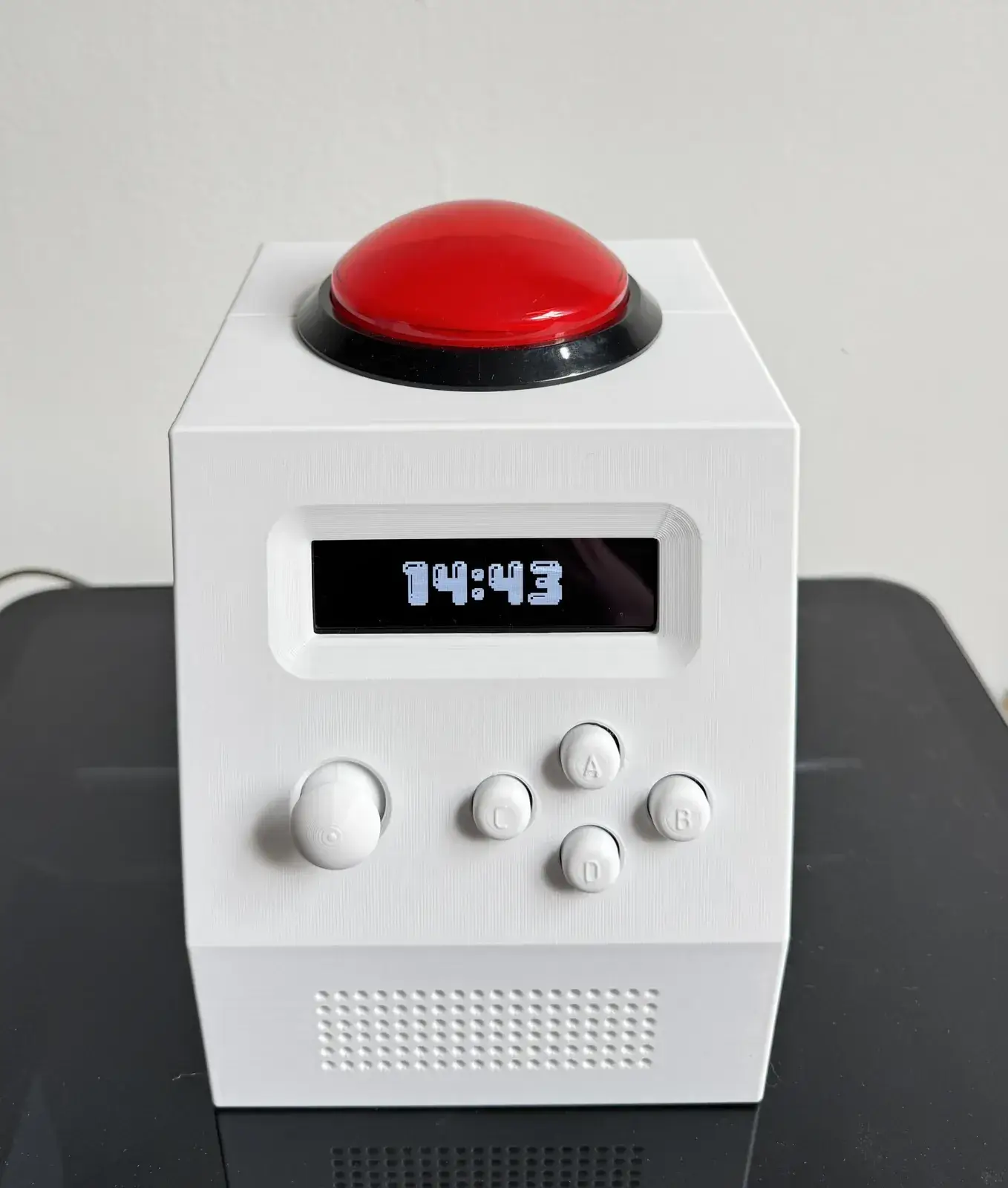
The most visible part of CinderClock is also brutally practical: a 100 mm illuminated arcade button on top of the alarm clock. Endothermal Systems did not add it merely to make the device resemble an arcade cabinet. It exists because at six in the morning, aiming for a small control is already one task too many.1
The dome is wired to the same Action input as the small A key on the front panel. The small key is useful while navigating menus; the dome dismisses an alarm without precision. The manual preserves that distinction: configuring the clock can demand attention, stopping the noise after waking should remain an obvious gesture.12
Much of CinderClock follows that same order, beginning with a concrete gesture and allowing the hardware to take shape around it.
One hit
The main interface combines a clickable analog joystick with four A, B, C and D keys. Moving the stick horizontally changes fields, vertical movement changes values, and pushing farther from centre increases the scrolling rate.1
The four keys keep recurring roles: Action, Back, Confirm and Menu. The A key can already dismiss an alarm, so the 100 mm dome adds no new logical function. It duplicates one critical action in a form that remains easy to find while half awake.1
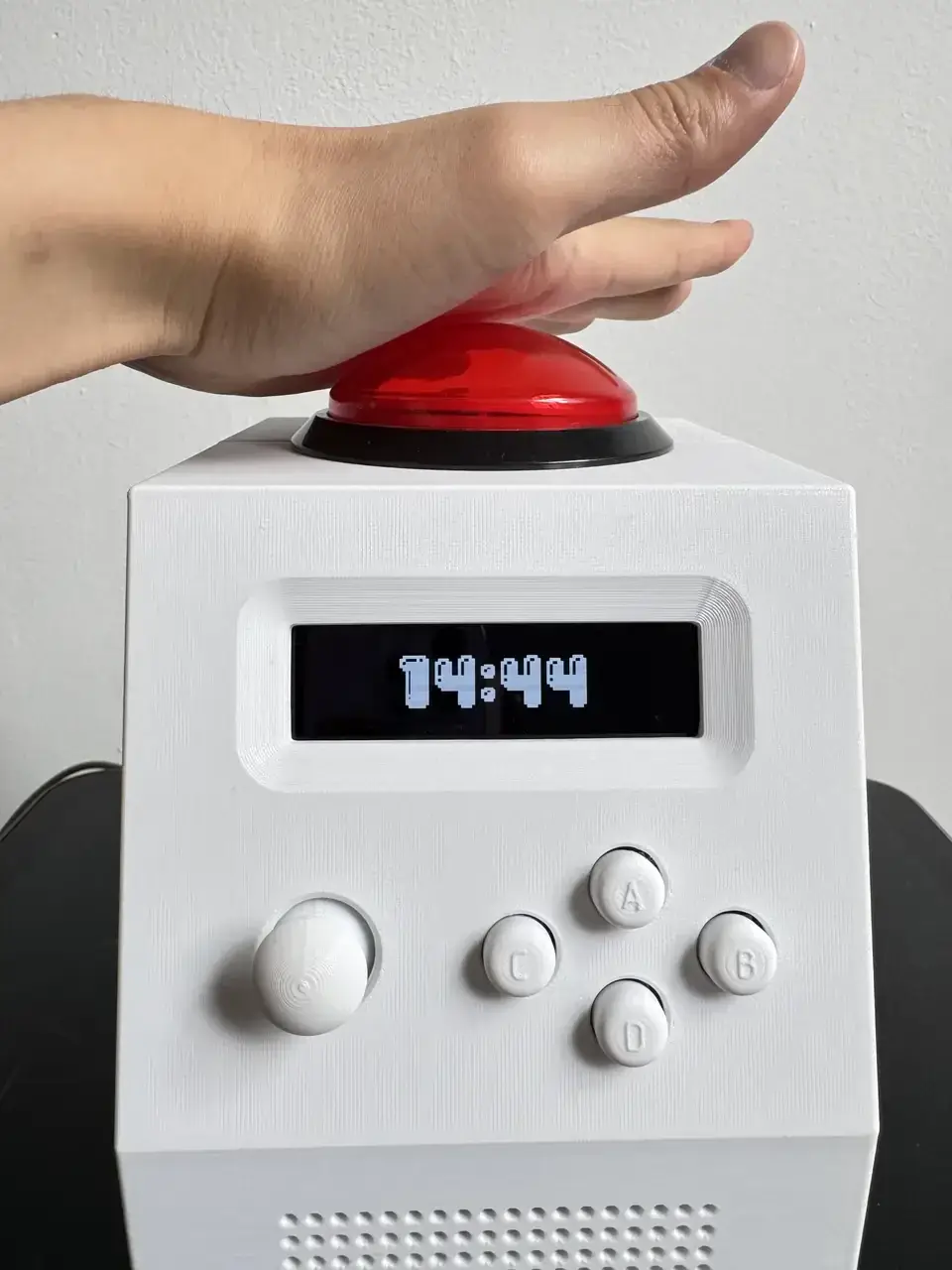
Snooze makes the contrast sharper. Endothermal Systems deliberately made postponing the alarm harder: depending on the selected mode, it can require several spaced presses or a randomly generated sequence of joystick directions. The device accepts two opposite interaction rules: ending the alarm should be easy; delaying wake-up may demand effort.1
Other alarm clocks can make the opposite choice; here, the decision stays legible because the interaction communicates the priority directly.
Bigger than planned
The button also fixed the physical scale: early sketches imagined something around the volume of two drink cans, while the real stack of components and dome pushed the object closer to toaster size.1
The finished enclosure measures 140 × 160 × 170 mm. Its screen-and-controls face is raked back at 70 degrees so it can be read from a bedside table.1 The device therefore spends volume on a button that is easy to hit, a display that is easy to see and components intended to remain replaceable.
The size is not an accident hidden after the fact. Endothermal Systems treats it as the price of tactile interaction and modular construction.1
26 hours lost
The first enclosure printed as a single piece took 26 hours at 0.2 mm layer height and came out unusable.1 Internal supports were difficult to remove, visible surfaces suffered and several faults accumulated until the prototype was not worth keeping.
Instead of only changing slicer settings, the team changed the enclosure architecture. The shell is now cut along the same 70-degree plane that already defined the interface angle. Front and rear halves connect through a sliding dovetail, held by a small stopper piece and two M2 screws.1
Three small pairs were printed to tune the joint tolerance before the large pieces were committed again.1
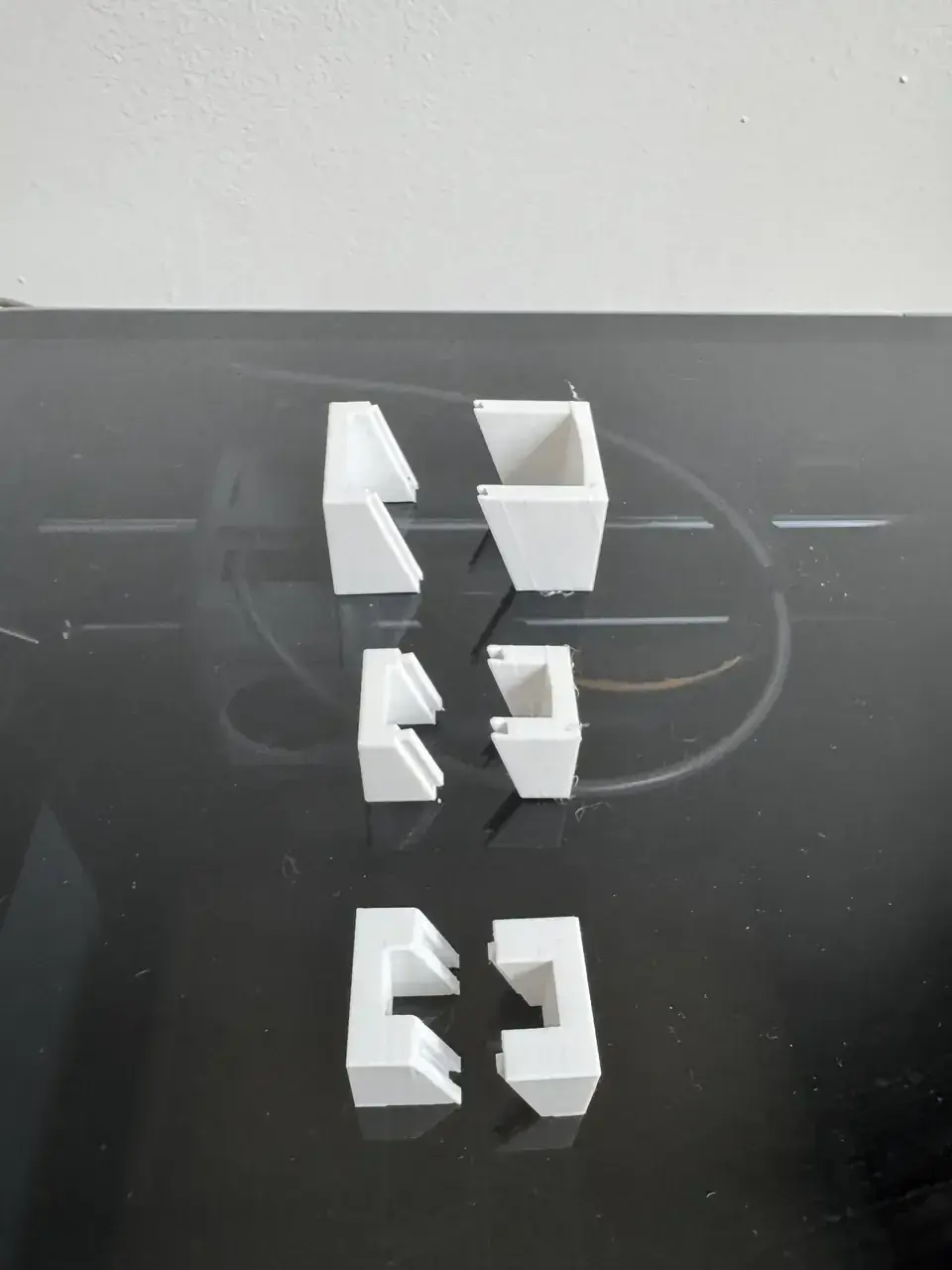
Designboom describes the same progression: the single-piece shell fails, then a plane already present in the product geometry becomes the manufacturing split.4
That may be the most reusable lesson in the project. An ergonomic constraint, here the viewing angle, stops being something manufacturing merely tolerates and becomes the plane that simplifies manufacturing.
Standalone, actually
CinderClock also tries to keep the phone out of the loop. Firmware runs on an ESP32-S3, a DS3231 with coin cell preserves time, WAV files live on microSD, and the display is a 256 × 64 monochrome OLED driven by an SSD1322.13
A BH1750 adjusts brightness while a BME280 measures temperature, humidity and pressure, and two 18650 cells sit in tool-free holders. Endothermal Systems explicitly says measured battery runtime has not been published yet, leaving two weeks as a design target rather than a verified figure.1
The manual also explains sleep behaviour. The clock sleeps between seconds, wakes to update time and goes back to sleep. Because the joystick axes are analog, they cannot directly wake the processor; a button press wakes the loop first, after which joystick directions respond normally.2
That detail puts a useful boundary around the simplicity claim, because removing the phone still leaves the device responsible for power, storage, timekeeping, audio and hardware wake-up.
Open in stages
The GitHub repository is already public, with firmware and tools under Apache 2.0 and documentation under CC BY-SA.3 Its README describes v2.2.1 as complete firmware running on current hardware.3
The entire hardware design is not public yet. Endothermal Systems plans to release PCB files, enclosure models and the complete bill of materials at launch after one final board revision.13
That distinction matters: CinderClock is already unusually open in software and design rationale, while full hardware reproduction still waits for files that have not been released.
The caution is consistent with the rest of the design study. Its “What we do not claim” section refuses to state unmeasured battery life, notes sunrise/sunset limitations beyond roughly 65 degrees latitude and acknowledges WAV-only audio decoding.1
Legible awake
CinderClock contains a surprising amount for an alarm clock: programmable schedules, sunrise and sunset following, Pomodoro, stopwatch, ambient sounds, environmental sensors and even small games that can stand between an alarm and dismissal.3
Its strongest idea may still be the most primitive one: the 100 mm button requires no account, app or instruction, translating “make this stop” into a target large enough for a sleepy hand.
The rest of the project shows what happens when that gesture is allowed to matter: the object grows, the face tilts, the shell splits, components remain replaceable and limitations are written down.
The button alone is not what makes CinderClock interesting. The interesting part is that the button was allowed to dictate the rest of the object.