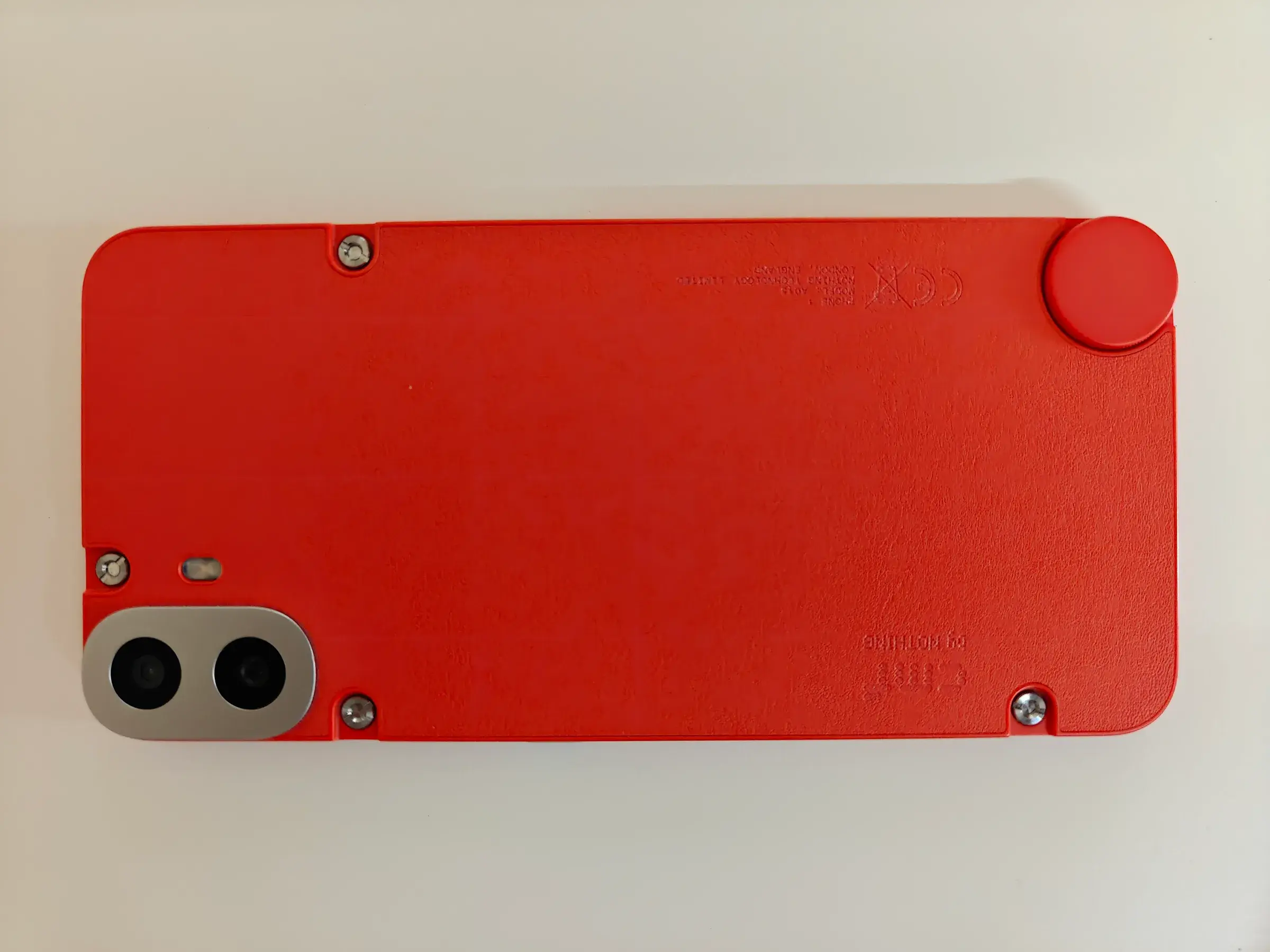

The first attempt to turn the phone into a server ended with a black screen and a device that briefly looked destined to become a paperweight.
The second attempt works because its owner stops trying to make Android disappear.
In "my server is a phone now," seg6 describes replacing a small Hetzner VPS with a CMF Phone 1 that had been sitting unused. It now hosts a remote Chrome browser, a personal finance tracker, screen sharing and several web applications.
The object is amusing. The method is more useful: instead of forcing the phone to become a conventional Linux mini-PC, he keeps the layer that already knows how to operate its Wi-Fi, battery, modem and vendor-specific hardware, then builds the server environment on top.
Purity loses
The first idea sounds reasonable: install a normal Linux distribution.
The author tries postmarketOS. The port gets far enough to encourage optimism, but in his attempt several capabilities needed for the server remain unavailable, including wireless networking and hardware acceleration. After a black display and an unpleasant restoration of Nothing OS, he changes the question.
He does not need a phone that looks like a Linux server. He needs Linux applications to run reliably while Android continues handling the hardware it already understands.
Termux becomes the host layer.
Termux's own documentation confirms the important part: by default, programs execute natively on the Android host and use its Linux kernel. This is not a VM or a container. Its userspace differs from ordinary Debian, but the kernel and device support remain the ones shipped for the phone.
Termux:Boot starts scripts after reboot. Its documentation even uses termux-wake-lock in the persistent SSH-server example, because Android remains Android and would generally prefer to save battery rather than maintain your personal infrastructure at 3 a.m.
Android fights back
The compromise is not free.
seg6 configures a persistent wake lock, disables several idle mechanisms, exempts Termux and Tailscale from background restrictions and adjusts Wi-Fi suspension. The phone is deliberately being pushed away from normal phone behavior.
The recovery chain becomes: Android boots, the always-on Tailscale VPN returns, Termux:Boot starts runit, then runit starts services and health checks verify both local and public paths.
Termux itself warns that modern Android versions can kill excessive background or CPU-heavy processes. This is not a universal guide for a server you install at your parents' house and forget.
It is a reuse experiment where platform constraints matter as much as the processor cores.
Chrome breaks PRoot
The author's applications already existed as Linux ARM64 images. He initially runs their Debian filesystems using PRoot.
PRoot intercepts operations in userspace so a regular process can behave as if it lives under another root filesystem. It is convenient because it does not need a special kernel. It is not a security boundary.
For smaller web services, that is sufficient.
Surf, the author's remote-browser backend, is different. Chrome opens libraries, profiles and files often enough that the userspace translation layer becomes expensive. He roots the phone and enters the same Debian filesystem through a real chroot, allowing those workloads to reach the Android kernel with native syscalls.
That still does not turn the setup into miniature Docker. Workloads share the Android kernel and much of its networking. Private mount namespaces mainly keep mounts and cleanup predictable.
The useful abstraction here is not the purest one. It is the one that removes enough software friction without throwing away working hardware support.
Ansible enters
Ansible is the detail that keeps the project from becoming a pile of terminal history.
Application versions, service definitions, routes, power settings, secrets and health checks live in a private infrastructure repository. Artifacts are pinned by digest or checksum and installed into versioned directories behind a current symlink. A failed checksum or health check stops deployment; rollback means restoring the previous pin.
The phone does not need Docker or a compiler to receive those applications. The workstation prepares the ARM64 filesystems and Ansible deploys the result.
Public web services use Cloudflare Tunnel. Administration uses Tailscale. Both establish outbound connectivity, so the server can move to another network and reconnect. The built-in battery becomes a small UPS during the move.
A smartphone was already designed around exactly these problems: stay connected while networks change and remain alive when the cable disappears. We simply stop describing those as server features when the object also has a touchscreen and cameras.
Keep the boring layer
The project does not demonstrate that phones are better servers than mini-PCs. It requires unusual workarounds, uses rooted Android and still needs off-device backups for anything irreplaceable.
It demonstrates something more general about hardware reuse. The best component to preserve is not always the processor or battery. Sometimes it is the boring software layer that somebody already spent years adapting to the exact Wi-Fi chip, power controller, modem and SoC.
The first attempt pursued a cleaner server and removed that layer.
The second accepts that Android remains responsible for the phone. That is when the phone becomes a usable server.